Ubuntu FOSS Typing Tutors: Best Open Source Software Analysis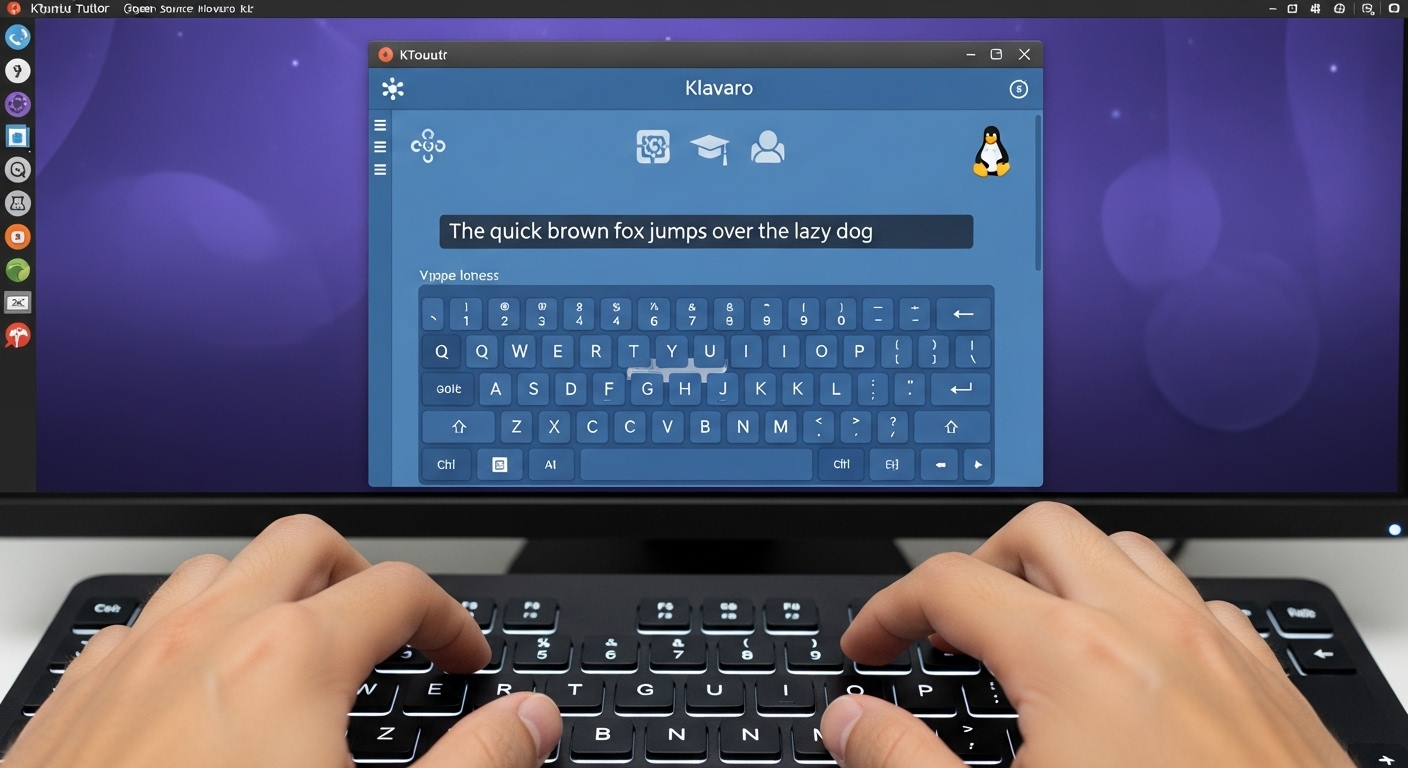
Executive Summary and Strategic Context
The availability of Free and Open Source Software (FOSS) for touch typing instruction on Ubuntu is robust, characterized by technically mature applications primarily focused on rigorous pedagogical structure rather than mere entertainment. While the user community often searches for “typing games,” the most reliable and effective FOSS solutions are structured “tutors” and “trainers.” This structural emphasis by the FOSS community suggests a fundamental prioritization of measurable skill acquisition and high-efficacy training over purely gamified elements.
For professional or educational deployment within a Linux ecosystem, this distinction is critical. The long-term viability and instructional effectiveness favor applications that provide detailed statistical tracking and sequential lesson progression. The successful implementation of these solutions relies on stable distribution channels. Modern Ubuntu environments benefit significantly from updated packaging standards. For instance, core FOSS tutors such as KTouch are readily available via modern container formats like Snap and Flathub, and TuxTyping is available through the Snap store. This availability through modern packaging methodologies minimizes historical installation challenges, such as dependency conflicts inherent in traditional package management, ensuring high administrative viability for large-scale deployment.
Technical and Licensing Framework
A critical factor for adopting software within institutional or educational settings is strict adherence to FOSS licensing and demonstrating long-term maintenance viability. The leading typing solutions for Ubuntu satisfy these requirements, predominantly relying on the GNU General Public License (GPL).
FOSS Licensing Compliance and Assurance
The cornerstone applications discussed in this analysis are confirmed to operate under permissive FOSS licenses, guaranteeing users the freedoms to run, study, share, and modify the software. Klavaro, a highly regarded tutor, is licensed under the GNU General Public License version 3.0 (GPLv3). Similarly, KTouch, integrated into the KDE educational suite, is licensed under GPL-2.0+. TIPP10 also operates under the GNU GPL as freeware, specifically listing compliance with Version 2 of the license.
This universal adoption of the GPL provides assurance to organizations, particularly those subject to strict procurement regulations or localization requirements, that the software can be deployed at zero cost and modified as necessary to fit specific curricular or language needs. The open-source nature ensures community scrutiny and transparency in development practices.
Development Maturity and Maintenance Viability
Project activity level serves as a primary indicator of long-term reliability and technical stability. The analysis of release cycles shows a healthy, active FOSS typing ecosystem. KTouch, leveraging its integration into the large KDE development environment, exhibits very active maintenance, with numerous releases documented throughout 2024 and planned through 2025. This integration provides a robust framework, ensuring that the software benefits from continuous updates, security patches, and broad compatibility within the Linux desktop environment. This significant technical backing inherent to inclusion in a major desktop project like KDE makes KTouch a low-risk choice for administrators seeking stable, long-term educational deployments.
Klavaro also demonstrates strong continuity, with packages built as recently as July 2024 and various updates listed through 2025. This suggests ongoing commitment by the developer community to maintain compatibility with evolving Ubuntu and GTK+ environments, as demonstrated by previous releases specifically addressing the evolution of GTK+3. The presence of ongoing maintenance across multiple platforms indicates sustained commitment, bolstering confidence in the future technical viability of these tools.
Core Desktop Tutors: Structured Pedagogy and Comparative Usability
The most effective typing tutors prioritize structured, incremental instruction to foster muscle memory acquisition. Klavaro and KTouch represent the two primary structured approaches available for Ubuntu.
Klavaro: Mastery through Modular Lessons and Layout Independence
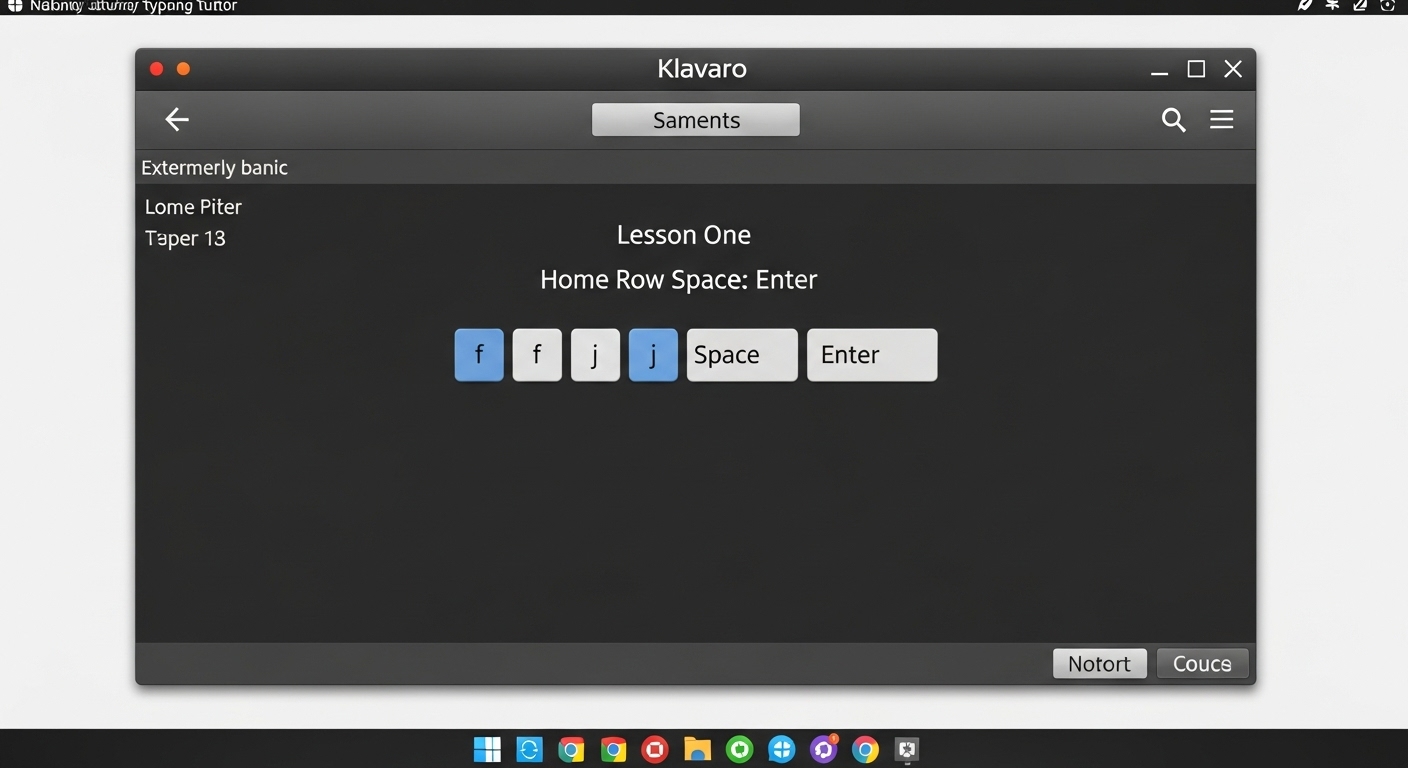
Klavaro is frequently recognized for its efficient and highly structured approach to building touch typing skills. Its pedagogical strength lies in its modular structure and deliberate, incremental lesson design. For beginners, Klavaro begins with an extremely basic Lesson One, which focuses exclusively on typing only four characters: f, j, Space, and Enter, in various combinations. The curriculum progresses slowly, concentrating on the home row keys for several subsequent lessons (e.g., Lesson Two introducing k and d, and Lesson Three adding s and l). This methodology, though seemingly simple, effectively holds a beginner’s attention and rapidly aids in the initial memorization of key locations by touch, serving as a highly effective non-frustrating starting point.
Klavaro’s technical design is notably focused on keyboard and language independence, making it highly versatile for diverse user groups. It allows users to select from various keyboard layouts, including standard QWERTY, alternative layouts like Dvorak and Neo2, and multiple non-English layouts. This flexibility is indispensable for deployment in international or specialized institutional environments where non-standard input methods are required. The application provides basic progress tracking, offering cumulative reports on speed and accuracy following each session, allowing users to monitor their improvement trajectory.
KTouch: Feature Density and Visual Feedback
KTouch, a KDE application, excels in providing detailed visual assistance and comprehensive statistical data collection. The application features a graphical representation of the keyboard, which clearly highlights the exact key to be pressed next and indicates the correct finger placement, a crucial mechanism for preventing users from developing the habit of glancing at the physical keyboard. During training, KTouch continuously collects statistical information, tracking metrics such as current typing speed, percentage of correct keystrokes, and newly learned characters. These comprehensive statistics are invaluable for both the student and an instructor seeking to analyze detailed learning progress. KTouch also includes a powerful course editor for customizing training materials.
However, KTouch presents significant barriers to entry for absolute beginners. The initial user experience is counter-intuitive; the program’s opening screen lacks clear instructions, requiring the user to type a default, sentence-long instructional text just to discover how to open a proper training file. This process is inefficient and inherently frustrating for a novice seeking immediate guidance on foundational concepts like home key placement. The difference in beginner experience is instructional: Klavaro’s success with novices stems directly from its immediate, gentle introduction, whereas KTouch’s initial friction proves that superior feature density and robust statistics do not compensate for a confusing introductory design, making it less suitable for unsupervised, raw beginner deployment.
Specialized and Adaptive FOSS Typing Solutions
Beyond the core structured tutors, the FOSS landscape offers highly specialized tools, including adaptive learning systems and child-focused arcade games.
TIPP10: Adaptive Learning and Error Elimination
TIPP10 distinguishes itself through its innovative, adaptive “intelligence feature”. Unlike static lesson plans, TIPP10 dynamically monitors user performance. When characters are consistently mistyped, the system registers these errors and subsequently repeats those specific characters and key combinations more frequently in future dictations. This adaptive methodology offers a measurable advantage in efficiency, as it focuses training time directly on individual weaknesses, accelerating the elimination of persistent errors.
TIPP10 provides extensive customization options, allowing users to define lesson duration, adjust the tutor’s response to errors, and load their own custom texts for practice. After each lesson, it generates a comprehensive, printable report detailing duration, errors, characters per minute, and a lesson trend diagram to track progress. The software is available as a cross-platform desktop application for Linux, including Ubuntu, and as an online version. System administrators should note that while the core software is high quality, historical distribution issues existed, with older package versions occasionally flagged for “bad quality” in the Ubuntu software center. Furthermore, while a multi-user “School Version” that aims to create an integrated online platform for centralized management is planned, it is explicitly listed as “Available soon,” meaning desktop-based, integrated, multi-user FOSS management cannot be reliably deployed immediately.
TuxTyping: The Child-Friendly Arcade Approach
TuxTyping is the premier FOSS application designed specifically for younger users, successfully integrating learning with video-game mechanics. Its interface is arcade-style, featuring engaging games such as Fish Cascade and Comet Zap. This approach succeeds in attracting and motivating children who might otherwise be resistant to traditional drills, encouraging them to attempt typing despite initial difficulty. TuxTyping is conveniently deployed on Ubuntu via the Snap store, ensuring easy installation.
However, the application’s focus on gamification compromises foundational pedagogical structure.
The sample lessons often bypass crucial incremental training, such as home row drills, and immediately present users with complex words that utilize letters scattered across the keyboard. For a true beginner, this lack of structure is frustrating. A significant administrative and educational hurdle is the complexity involved in creating custom, structured lessons; this requires users or educators to directly edit the application’s XML files. This technical requirement is prohibitive for most teachers and users, limiting TuxTyping’s role to a motivational or supplemental practice tool rather than a viable, standalone structured instructional solution for basic touch typing mastery.
V. Terminal-Based Typing Utilities: The Programmer’s Toolkit
A specialized and highly active segment of the FOSS typing community caters to developers and power users operating primarily within the Linux terminal environment. These tools emphasize syntax-specific practice and high performance.
Ttyper: Code Practice and Precision Testing
Ttyper is a modern utility, written in Rust, that integrates typing practice directly into the command-line interface. Its unique value proposition lies in its support for practicing typing using syntax from various programming languages, including C, Csharp, Go, HTML, Java, JavaScript, Python, Ruby, and Rust. This capability addresses the specific needs of professionals who require speed and accuracy when handling complex characters and uncommon sequences found in code, rather than standard prose.
Ttyper provides robust, real-time feedback, highlighting correct words in green and incorrect input in red, and generates detailed results including Words Per Minute (WPM), accuracy percentages, and total keypress counts. It supports deep customization of its terminal interface, allowing users to define styles using ANSI escape codes for foreground, background, and text modifiers such as bold, italic, or underlined text. Additionally, users can load custom text files for specific, targeted practice content. This trend towards specialized terminal typing tools confirms a professionalization of typing practice, where high-WPM users integrate speed training directly into their workflow, focusing on the specific syntax relevant to their careers.
The CLI Typathon: High-Activity FOSS Alternatives
The broader terminal-based typing ecosystem is vibrant and technically sophisticated, frequently utilizing modern languages to ensure performance and reliability. Other notable utilities available for Ubuntu include gittype, a CLI code-typing game that directly transforms source code into typing challenges; typeracer-cli, designed for competitive online typing challenges from the terminal; and typeman and tukai, which offer Text User Interface (TUI) and CLI options focused on speed testing and interactive experiences. These tools demonstrate a concerted FOSS effort to provide highly customizable, open alternatives to popular proprietary online speed-testing platforms, ensuring that competitive and advanced practice remains accessible within the Linux environment.
VI. Synthesis and Strategic Deployment Recommendations
The selection of the most appropriate FOSS typing utility on Ubuntu must be guided by the user’s current skill level and instructional objectives. A single application rarely serves all needs, necessitating a tiered deployment strategy.
Feature Comparison Matrix: Pedagogical Suitability
The following matrix synthesizes the core features, methodologies, and technical status of the leading FOSS applications:
| Feature | Klavaro | KTouch | TIPP10 | TuxTyping | Ttyper |
|---|---|---|---|---|---|
| Primary Methodology | Incremental Structure, Home Row Focus | Sequential Courses, Step-by-Step | Adaptive Error Correction | Arcade Games, Motivation | Speed Test/Code Practice |
| Beginner Usability | Excellent (Non-Frustrating Start) | Poor (Confusing Default) | Very Good (Adaptive and Clear) | Good (Engaging, but unstructured) | Poor (Terminal barrier) |
| Key Differentiator | Layout/Language Independence | Visual Key Guide, Detailed Stats | Intelligent Repetition | Child Engagement | Programming Language Support |
| Progress Tracking | Basic Cumulative Reports | Comprehensive Statistical Data | Detailed Results, Lesson Trends | Basic Score Display | WPM, Accuracy, Real-Time Feedback |
| Custom Lesson Creation | Yes | Yes (Course Editor) | Yes (Custom Texts) | Difficult (XML Editing Required) | Yes (Custom Text Files) |
| Development Activity | Active (2024/2025) | Very Active (KDE releases 2025) | Active | Active (Snap support) | Highly Active (Rust ecosystem) |
Deployment Strategy by User Profile
For institutional environments focused on high-efficacy instruction, a phased adoption strategy is recommended:
- Foundational Training (Beginners): Klavaro is the preferred solution for initial skill acquisition. Its structured, incremental approach, which remains focused on home row drills and minimal key sets, is maximally effective at instilling initial muscle memory and avoiding the beginner frustration inherent in less structured tools.
- Accuracy and Efficiency Training (Intermediate Users): Users should transition to TIPP10. Its adaptive learning model strategically targets and forces practice on the most frequently mistyped characters, making it the most efficient tool for eliminating established errors and maximizing accuracy gains before moving to speed work.
- Advanced Speed and Metric Tracking (Advanced Users/Instructors): KTouch is best utilized at higher levels where its comprehensive statistical tracking and visual key guidance can reinforce precise finger placement and technique refinement. Its course editor allows educators to create specialized challenges.
Niche Deployment Considerations:
- Children and Motivation: TuxTyping should be treated as an optional, supplementary utility for motivational breaks or encouraging initial engagement, but not as the primary structured instructional system due to its configuration difficulties.
- Developers and Power Users: Ttyper or specialized CLI tools like gittype are essential for users who require precision typing in complex syntax environments, integrating training directly into the professional Linux workflow.
Conclusions
The landscape of free and open source typing utilities on Ubuntu is rich and specialized, offering robust solutions for nearly every user demographic. For administrators deploying these tools, the key differentiation lies in pedagogical methodology and structural compliance.
The evidence strongly supports the use of Klavaro as the optimal starting point for raw beginners due to its clear, incremental structure and exceptional layout flexibility, making it adaptable to diverse international keyboard standards. For maximizing long-term accuracy, TIPP10 offers a superior adaptive methodology that efficiently addresses specific user weaknesses. KTouch, while powerful and backed by the stable KDE ecosystem, requires careful instructional guidance to overcome its high initial friction for novices.
Ultimately, the goal of deploying these FOSS solutions is to counteract the pervasive “hunt and peck typing philosophy” by enforcing correct technique. The high maturity and active development of these GPL-licensed applications ensure they are technically stable, fully customizable, and capable of providing the comprehensive metric tracking necessary for sustained, professional-grade typing skill development.