Smart Boards for Personalized Learning: Enhance Education
Executive Summary
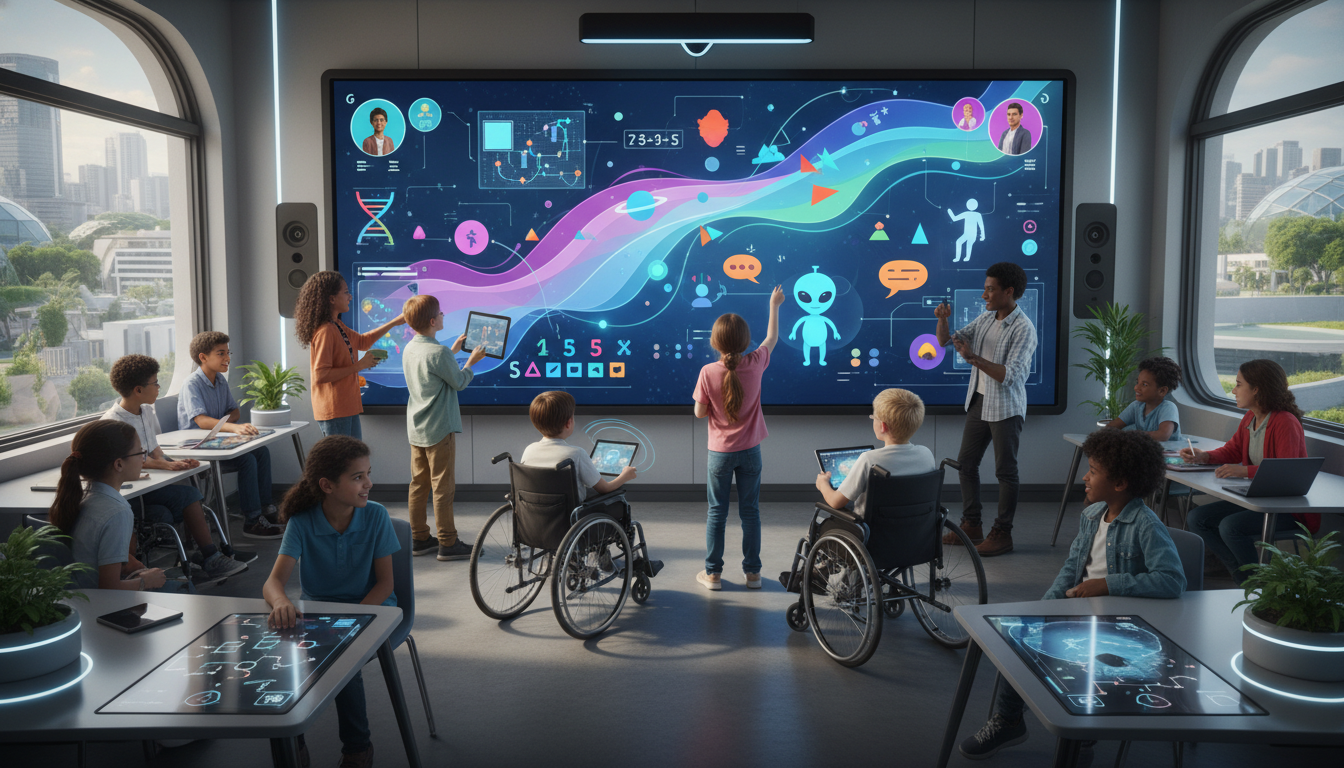
The contemporary educational landscape is undergoing a profound transformation, driven by the imperative to move away from the industrial, “one-size-for-fits-all” model of schooling toward a personalized, student-centered approach. At the nexus of this transformation lies the Interactive Flat Panel (IFP), colloquially known as the smart board. Once relegated to the role of a glorified projector, the modern smart board has evolved into a sophisticated computing hub capable of orchestrating complex, differentiated, and inclusive learning experiences. This report provides an exhaustive examination of the role of smart board technology in facilitating personalized learning. It synthesizes data from global case studies, technical specifications, and pedagogical research to demonstrate how these devices bridge the gap between curriculum standards and individual student needs.
Table of Contents
- Executive Summary
- Introduction: The Paradigm Shift in Classroom Display Technology
- ↳ From Passive Projection to Active Construction
- ↳ Defining the Scope of Personalized Learning
- ↳ Theoretical Frameworks
- Technological Infrastructure of Personalization
- ↳ The Evolution of Touch Technologies
- ↳ 2.1.3 Object Awareness and Pen ID
- 2.2 Visual and Audio Specifications
- 2.3 Connectivity and the “Hub” Concept
- 3. Software Ecosystems: The Engine of Differentiation
- ↳ 3.1 SMART Learning Suite (Notebook & Lumio)
- ↳ 3.2 Promethean ActivInspire and ClassFlow
- ↳ 3.3 ViewSonic myViewBoard
- ↳ 3.4 Integration with Adaptive Learning Platforms
- 4. Pedagogical Models for Personalized Instruction
- ↳ 4.1 The Station Rotation Model
- 4.2 The Flipped Classroom
- 4.3 Gamification and Game-Based Learning
- 5. Addressing Diverse Learning Styles (VARK)
- ↳ 5.1 Visual Learners
- ↳ 5.2 Auditory Learners
- ↳ 5.3 Kinesthetic Learners
- ↳ 5.4 Reading/Writing Learners
- 6. Deep Dive: Inclusivity and Special Education
- ↳ 6.1 Physical Accessibility and Ergonomics
- ↳ 6.2 Autism Spectrum Disorder (ASD)
- ↳ 6.3 Augmentative and Alternative Communication (AAC)
- ↳ 6.4 Assistive Technology Integration
- 7. Subject-Specific Integration Strategies
- ↳ 7.1 Mathematics: Making the Abstract Concrete
- ↳ 7.2 Literacy: Interactive Language
- ↳ 7.3 Science: Simulation and Safety
- ↳ 7.4 The Arts: Digital Creativity
- Global Perspectives: Case Studies in Implementation
- ↳ Case Study: Botswana
- ↳ Case Study: Greece
- ↳ Case Study: Indonesia
- Implementation Challenges and Best Practices
- ↳ Barriers to Success
- ↳ Strategies for Effective Implementation
- Future Trends and Conclusion
- ↳ The Future: AI and Augmented Reality
- ↳ Conclusion
The analysis reveals that personalization via smart boards is achieved through a convergence of three critical domains: advanced hardware infrastructure, adaptive software ecosystems, and responsive pedagogical models. Hardware innovations such as 40-point multi-touch, palm rejection, and ultra-high-definition displays have removed the physical and sensory barriers that previously hindered interaction, particularly for students with disabilities. Simultaneously, software platforms like SMART Notebook, Lumio, and Promethean ActivInspire have integrated data-driven assessment tools and cloud-based connectivity, enabling seamless transitions between whole-class instruction, small-group collaboration, and individual practice.
Furthermore, this report highlights the indispensable role of smart boards in special education. By serving as large-scale interfaces for assistive technology, visual scheduling, and sensory regulation, these devices validate the presence and participation of students with diverse cognitive and physical profiles. Through a detailed exploration of subject-specific applications—from virtual manipulatives in mathematics to digital storytelling in language arts—this document argues that the smart board is not merely a tool for presentation, but a dynamic environment for the co-construction of knowledge. The findings suggest that when effectively implemented within frameworks like Universal Design for Learning (UDL) and the TPACK model, smart boards possess the unique capacity to democratize access to high-quality, personalized instruction.
Introduction: The Paradigm Shift in Classroom Display Technology
The history of classroom technology is a narrative of increasing interactivity. For over a century, the blackboard served as the primary medium of instruction, a tool perfectly suited to the behaviorist transmission model of education where the teacher served as the sole source of knowledge. The introduction of the overhead projector in the mid-20th century, and subsequently the digital projector, enhanced the visual fidelity of information but maintained the unidirectional flow of content. It was not until the advent of the Interactive Whiteboard (IWB) in the 1990s, and its successor, the Interactive Flat Panel (IFP), that the display surface became a two-way communication channel.
From Passive Projection to Active Construction
Early interactive whiteboards were often cumbersome systems requiring a ceiling-mounted projector, a separate computer, and a touch-sensitive board. These systems suffered from “shadowing” (where the user’s body blocked the image), constant calibration drift, and low brightness that necessitated darkened rooms—conditions conducive to passive viewing rather than active engagement. The modern transition to IFPs—essentially massive, hardened LED tablets—has fundamentally altered the physical environment of the classroom. With 4K Ultra High Definition (UHD) resolution, anti-glare glass, and high brightness, these devices remain visible in fully lit rooms, maintaining the social connection between teacher and students.
This hardware evolution parallels a pedagogical shift toward Constructivism, a theory positing that learners actively construct knowledge through experience and reflection. The smart board supports this by allowing students to physically manipulate digital objects, creating a tangible connection to abstract concepts. As highlighted in research from Botswana, the introduction of smart boards has been shown to transform educational practices from rote memorization to innovative, adaptive economies of learning, equipping students with 21st-century skills necessary for a knowledge-based society.
Defining the Scope of Personalized Learning
To understand the impact of smart boards, one must distinguish between three often-confused terms: differentiation, individualization, and personalization.
- Differentiation is a teacher-directed approach where instruction is tailored to the learning preferences of different students. The teacher adjusts the content, process, or product based on their assessment of student needs.
- Individualization allows students to proceed through the curriculum at their own pace. The learning goals are the same for all, but the time taken to achieve them varies.
- Personalization is the most comprehensive, encompassing both differentiation and individualization while also incorporating student agency. In a personalized environment, instruction is paced to learning needs, tailored to learning preferences, and tailored to the specific interests of the learner.
Smart boards act as a catalyst for all three. They facilitate differentiation by allowing teachers to instantly modify content display (e.g., changing text size, adding visual supports). They support individualization through integration with adaptive software that tracks student progress. Most importantly, they enable personalization by giving students the tools to choose how they engage with content—whether through manipulating 3D models, watching embedded videos, or collaborating on a shared digital canvas.
Theoretical Frameworks
The effective use of smart boards is grounded in established educational theories.
- Constructivism: As noted by researchers, the large, shared screen of a smart board fosters “collective construction” of knowledge, where the group’s interaction with the material creates a shared understanding that is deeper than individual study.
- TPACK Model (Technological Pedagogical Content Knowledge): This framework suggests that effective teaching requires the intersection of technology, pedagogy, and content knowledge. Smart boards demand that teachers operate at this intersection, understanding not just how to use the board (Technology), but how to use it to teach fractions (Content) using manipulatives (Pedagogy).
- Universal Design for Learning (UDL): UDL advocates for multiple means of engagement, representation, and action/expression. Smart boards inherently support UDL by providing multimodal content (video, audio, text) and varied interaction methods (touch, voice, switch access).
Technological Infrastructure of Personalization
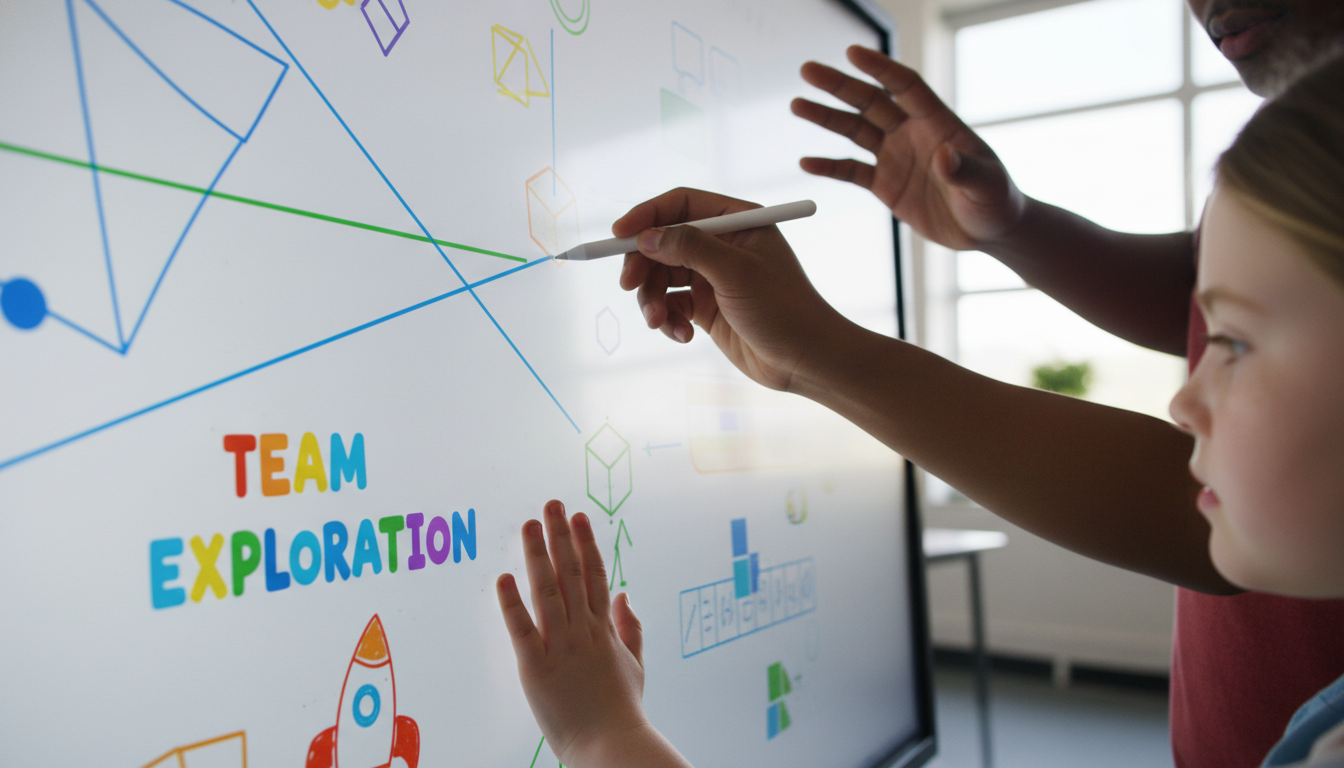
The Evolution of Touch Technologies
The primary interface of personalization on a smart board is touch. The quality and responsiveness of this interaction define the user experience.
Multi-Touch and Social Collaboration
Early boards allowed for single-point touch, meaning only one student could interact at a time. This enforced a “sage on the stage” model where the teacher or a single student performed for the class. Modern IFPs, however, support between 20 and 40 simultaneous touch points. This specification is pedagogical dynamite. It enables “parallel play” and collaborative problem-solving, where multiple students can work on the board simultaneously without interference.
For example, in a math lesson, the screen can be partitioned into four distinct zones. Four students can stand at the board, each solving a different version of a problem or working together on a complex sorting task. This multi-touch capability transforms the board from a presentation tool into a collaborative workbench, supporting social constructivist learning where students negotiate meaning through interaction.
Palm Rejection and Natural Writing Mechanics
For personalization to be effective, the technology must be invisible. If a student has to hold their hand in an unnatural position to avoid triggering the screen, cognitive load is wasted on motor control rather than learning.
Palm rejection technology addresses this by distinguishing between the stylus (input) and the hand (rest).
This feature is particularly critical for younger students whose fine motor skills are developing, and for students with disabilities who may need to stabilize their arm against the board to write.
Research indicates that enabling palm rejection results in increased productivity and reduced physical discomfort. In the context of the classroom, this means a student with dysgraphia can lean fully against the board, using the stability to produce legible handwriting that would be impossible on a frictionless tablet or a vertical surface without rejection support.
2.1.3 Object Awareness and Pen ID
Advanced boards (such as SMART’s 6000 and 7000 series or Promethean’s Titanium) utilize “Object Awareness.” The board automatically recognizes the difference between a finger (select/move), a pen (write), and a palm/fist (erase). This eliminates the need for toolbars and menus, allowing for a fluid, intuitive workflow. A student doesn’t need to select the “eraser” tool; they simply wipe their hand over the mistake. This reduction in “interface friction” is vital for students with executive function challenges or attention deficits, as it keeps the focus entirely on the content.
2.2 Visual and Audio Specifications
The visual fidelity of the display plays a crucial role in accessibility.
- 4K UHD Resolution: The shift to 4K ensures that text is crisp and readable even from the back of the room. For students with visual impairments, this clarity is non-negotiable. It allows for high levels of digital zoom without pixelation, meaning a map or a biological diagram can be enlarged significantly for detailed inspection.
- Anti-Glare and Viewing Angles: Classroom lighting is notoriously difficult to control. Etched glass or anti-glare coatings ensure that the image is visible from 178-degree angles, meaning a student seated in the front corner (often a designated spot for students with behavioral needs) has the same visual access as a student in the center.
- Integrated Audio: Powerful front-facing speakers are essential for auditory learners and for the effective use of multimedia. Whether it is a phonics song or a historical speech, clear audio ensures that the auditory channel of learning is as robust as the visual one.
2.3 Connectivity and the “Hub” Concept
Personalization often involves a “Bring Your Own Device” (BYOD) or 1:1 device strategy. The smart board acts as the central hub for this ecosystem.
- Screen Casting: Technologies like AirPlay, Chromecast, and proprietary apps (e.g., SMART Mirror, Promethean Screen Share) allow students to wirelessly cast their device screens to the main board. This validates student work by making it public. A student who has solved a problem in a unique way on their iPad can instantly share it with the class, fostering a sense of agency and pride.
- Bi-Directional Control: Some systems allow not just casting to the board, but control from the board. A teacher can touch the smart board surface to control the student’s laptop, effectively “driving” the student’s device from the front of the room to demonstrate a concept.
Table 1: Technical Specifications and Pedagogical Implications
| Feature | Technical Specification | Pedagogical Implication for Personalization |
|---|---|---|
| Multi-Touch | 20-40 simultaneous touch points | Enables collaborative group work; allows multiple students to engage in parallel tasks; supports social learning. |
| Resolution | 4K Ultra High Definition (UHD) | Reduces cognitive load for visual processing; supports students with visual impairments; allows detailed analysis of images. |
| Palm Rejection | Algorithm-based touch differentiation | Supports natural handwriting mechanics; essential for students with fine motor delays or dysgraphia; reduces physical fatigue. |
| Object Awareness | Distinction between pen, finger, palm | Streamlines user interface; reduces need for menu navigation; keeps focus on content; supports intuitive interaction. |
| Connectivity | HDMI, USB-C, Wireless Casting | Facilitates BYOD and 1:1 integration; allows students to share personalized work publicly; supports multimodal input. |
| Operating System | Embedded Android / Windows Slot-in | Allows stand-alone use without a PC; supports diverse apps; ensures quick boot times for immediate instruction. |
3. Software Ecosystems: The Engine of Differentiation
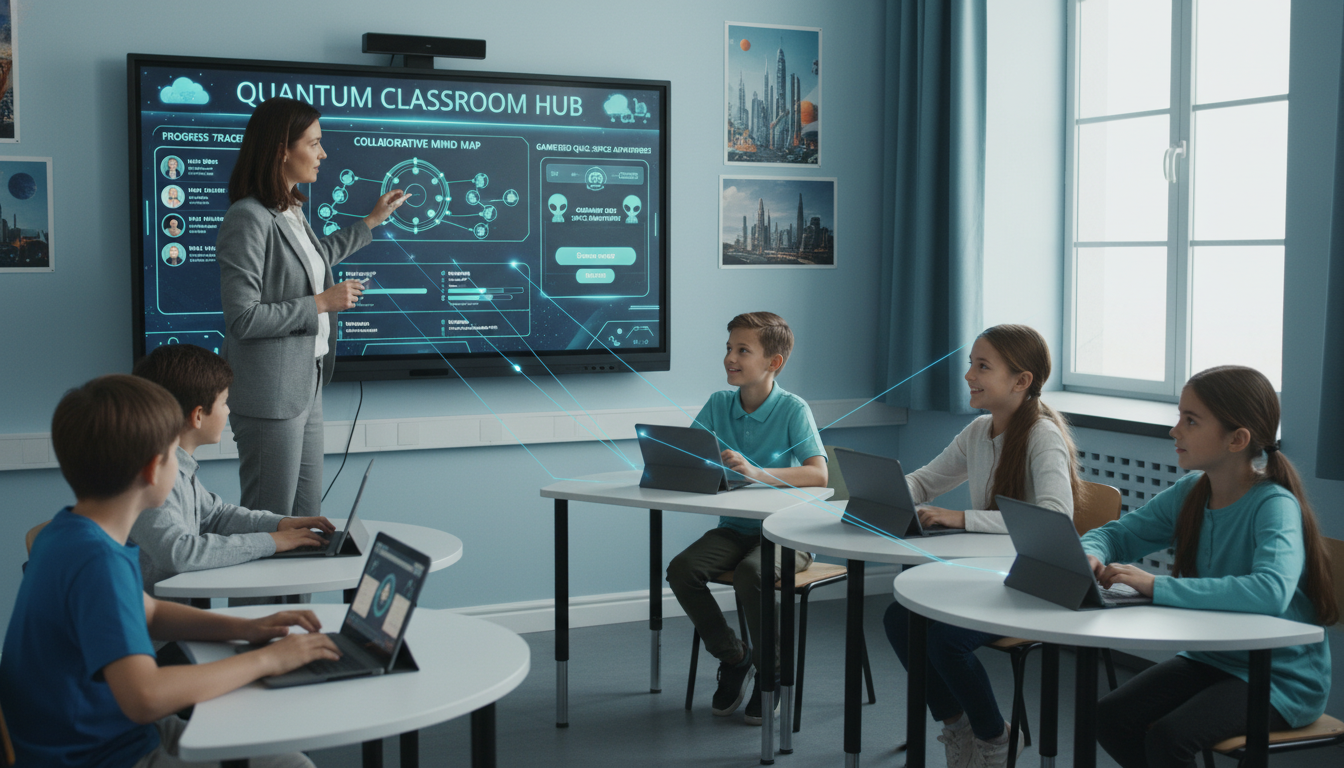
While hardware provides the capability, software provides the functionality. The three major ecosystems—SMART, Promethean, and ViewSonic—each offer distinct tools designed to facilitate personalized learning.
3.1 SMART Learning Suite (Notebook & Lumio)
SMART Technologies has long been a leader in this space, and their software reflects a deep understanding of classroom workflow.
- Lumio (formerly SLSO): This cloud-based platform is a standout for personalization. It allows teachers to import existing lessons (PDF, PPT, Google Slides) and enhance them with interactive elements.
- Handout Mode: A teacher can convert a specific slide into an individual “handout.” When this mode is activated, the content is pushed to every student’s device. Students work independently, and the teacher can view a dashboard of all student screens in real-time. This allows the teacher to identify who is struggling and provide immediate, private feedback, a core component of personalized instruction.
- Shout It Out: This activity allows students to send text or images from their devices to the board, which creates a randomized or organized collage. This is excellent for brainstorming and allows shy students to contribute without speaking aloud.
- Game-Based Learning: Templates like “Monster Quiz” turn assessment into a collaborative game. The software balances the teams, ensuring that students of different ability levels are distributed evenly.
3.2 Promethean ActivInspire and ClassFlow
Promethean’s software suite emphasizes the “infinite canvas” and student engagement.
- ActivInspire: This desktop software is known for its depth. Features like “dual user” mode split the board into two separate interfaces with their own toolsets, allowing two students to work on different tasks simultaneously. The software also includes robust “profiles,” allowing a teacher to switch between a “Math Interface” (with rulers, protractors, grid lines) and a “Literacy Interface” (with handwriting lines, text tools) instantly.
- ClassFlow: Similar to Lumio, ClassFlow is cloud-based and focuses on student engagement. It allows for the delivery of differentiated polls and quizzes, where the difficulty of the question can be matched to the student’s profile.
3.3 ViewSonic myViewBoard
ViewSonic has focused on interoperability and cloud integration.
- FollowMe AI: This feature allows a teacher’s profile and settings to follow them to any board. Pedagogically, this ensures consistency; a teacher moving between classrooms doesn’t lose their personalized setup.
- Originals: ViewSonic provides a vast library of pre-made, interactive content. For personalization, this is crucial as it reduces the “prep time penalty” often associated with differentiated instruction. Teachers can grab a “ready-to-go” interactive module on the water cycle or fractions rather than building one from scratch.
3.4 Integration with Adaptive Learning Platforms
Smart boards are most powerful when they visualize data from adaptive learning platforms like IXL, DreamBox, or i-Ready.
- IXL Live Classroom: Teachers can display the IXL “Live Classroom” dashboard on the smart board (often toggling student names to anonymous). This visualization shows the class’s real-time progress. If a “trouble spot” cluster appears (e.g., 5 students stuck on the same question type), the teacher can pull those students to the board for a targeted intervention while the rest continue.
- DreamBox Math: DreamBox’s virtual manipulatives are designed to be interactive. Displaying these on a smart board allows for “number talks” where students explain their reasoning by manipulating the on-screen tools, moving from abstract algorithms to concrete understanding.
4. Pedagogical Models for Personalized Instruction
The technology of the smart board serves as an amplifier for specific pedagogical models that prioritize the individual learner.
4.1 The Station Rotation Model
The Station Rotation model is a blended learning strategy where students rotate through various stations on a fixed schedule. The smart board serves as the anchor for one of these stations.
- Teacher-Led Station: Often, the smart board is used here for direct instruction with a small group. Because the group is small (e.g., 5-7 students), the teacher can use the board to address specific misconceptions identified in data. The interactive tools (highlighters, zoom, recording) are used intensively to deconstruct complex text or math problems.
- Collaborative Station: Alternatively, the smart board can be a student-led station. A group of students works together on a gamified activity or a collaborative project. For example, they might use the “mind map” feature to organize their thoughts on a novel study. The multi-touch capability is essential here, allowing multiple students to add nodes and connections simultaneously.
- Differentiation Mechanics: The power of the smart board in this model lies in its ability to change instantly. For Group A (struggling learners), the board might display a vocabulary matching game with audio support. Ten minutes later, for Group B (advanced learners), the same board might display a complex, open-ended research prompt with links to academic databases.
4.2 The Flipped Classroom
The Flipped Classroom reverses the traditional learning environment: instructional content is delivered outside the classroom (often via video), and homework is done in class.
- Creation Tool: Teachers use the smart board to create the at-home content. Using the “screen recording” feature built into software like SMART Notebook, teachers record their voice and their screen interactions as they explain a concept. This creates a dynamic video lesson where students see the “process” of solving a problem, not just the static result. These videos allow students to pause, rewind, and re-watch—a fundamental aspect of self-paced personalization.
- Application Space: In class, the smart board becomes the “problem-solving hub.” Students who struggled with the video content can come to the board to work through problems with the teacher. The board’s ability to display the video side-by-side with a blank workspace allows for direct comparison and remediation.
4.3 Gamification and Game-Based Learning
Gamification uses game design elements to motivate and engage students. Smart boards are the perfect medium for this due to their size and interactivity.
- Whole-Class Games: Platforms like Kahoot! or Quizizz can be run from the board. These games provide immediate feedback to the teacher. If 80% of the class answers a question incorrectly, the teacher can stop the game, pull up the concept on the board, and re-teach it immediately. This “agile” instruction ensures that misconceptions are addressed in real-time.
- Kinesthetic Games: Games like “GoNoodle” or “Animal Kingdom” require students to move. This is particularly beneficial for kinesthetic learners and those with ADHD who need physical outlets to maintain focus. The board acts as a “mirror” or a guide, leading the class through physical activities that are often tied to academic content (e.g., “stomp the syllable”).
5. Addressing Diverse Learning Styles (VARK)
The VARK model (Visual, Auditory, Reading/Writing, Kinesthetic) suggests that students have different preferred modes of learning. While the rigidity of learning styles is debated, providing multimodal representation is a core principle of inclusive education.
5.1 Visual Learners
For visual learners, the smart board is transformative.
- Dynamic Imagery: Static textbooks cannot compete with 4K video or dynamic simulations. A biology teacher can show a beating heart, zoom in on a valve, and annotate the blood flow in real-time. This dynamic visualization helps students build mental models of complex processes.
- Color Coding: The ease of changing pen colors allows for explicit color-coding (e.g., nouns in red, verbs in blue) which helps visual learners decode sentence structures and organize information.
5.2 Auditory Learners
- Integrated Multimedia: Teachers can embed audio clips directly into lesson slides. In a history lesson, students can hear the actual recording of a speech while seeing the text. This “dual coding” reinforces memory.
- Text-to-Speech: Tools like Immersive Reader can read text aloud from the board. This is essential for ensuring that auditory learners (and those with reading difficulties) can access text-heavy content.
5.3 Kinesthetic Learners
- Touch and Move: Kinesthetic learners need to “do” to learn. The smart board allows them to physically drag labels to a diagram, sort items into bins, or rotate geometric shapes. The gross motor movement of reaching across a large screen engages their physical memory in a way that clicking a mouse does not.
- Interactive Walls: New technologies like “MultiBall” turn the wall into a giant touch screen where students throw balls at targets to answer math questions. This fusion of PE and academics is the ultimate kinesthetic experience.
5.4 Reading/Writing Learners
- Annotation: The “infinite canvas” allows for endless note-taking. Teachers and students can annotate over websites, PDFs, and videos. The “handwriting recognition” feature is particularly empowering for students who prefer to write by hand but worry about legibility; the board converts their script to typed text instantly.
6. Deep Dive: Inclusivity and Special Education
Perhaps the most significant impact of smart boards is in the realm of Special Education. For students with disabilities, the smart board is often an accessibility interface that makes the curriculum reachable.
6.1 Physical Accessibility and Ergonomics
Standard classroom setups often exclude students with physical disabilities.
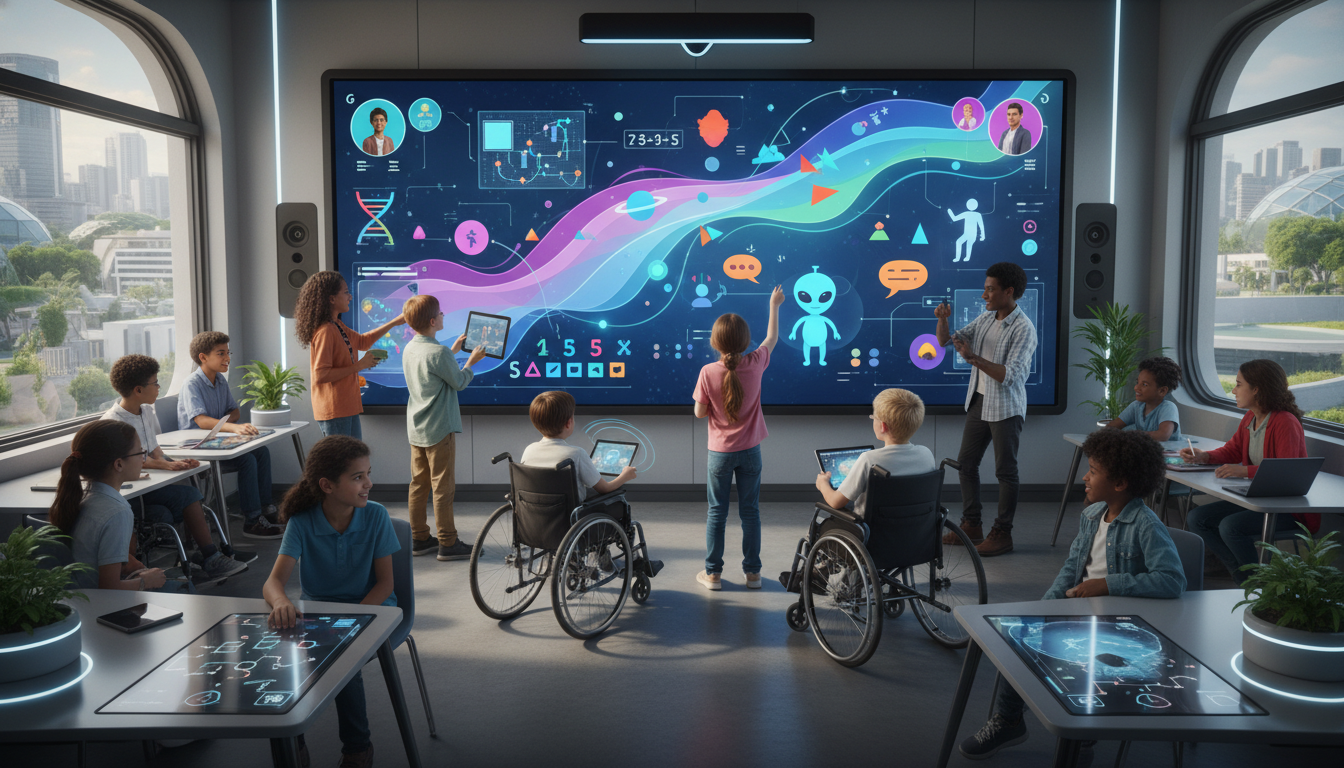
- Height Adjustability: Motorized stands (from providers like Conen or Boxlight) allow the board to travel vertically by up to 26 inches. This means a board can be lowered to the height of a student in a wheelchair or a Pre-K student sitting on the floor. This “tilt-and-table” functionality allows the board to be positioned horizontally, like a drafting table, which is often more accessible for students with limited upper body strength.
- Access Tools: For students who cannot hold a standard pen, teachers can use tennis balls (which the board recognizes as a contact point due to Object Awareness) or telescoping pointers. This allows students with limited grip strength to interact independently.
6.2 Autism Spectrum Disorder (ASD)
Students with ASD often benefit from structure, visual supports, and predictable routines.
- Interactive Visual Schedules: The smart board is the ideal home for the daily schedule. Students can physically walk to the board and drag a “finished” icon to a completed task. This tactile interaction provides a clear sense of transition and accomplishment, reducing anxiety associated with change.
- Social Stories: Digital social stories can be displayed large-scale. The class can discuss a scenario (e.g., “Asking to Play”) and students can come to the board to select the appropriate response from a set of choices. The visual and interactive nature of this activity makes abstract social rules concrete.
6.3 Augmentative and Alternative Communication (AAC)
For non-verbal students, the smart board can function as a large-scale communication device.
- Modeling AAC: Teachers can project AAC apps (like Proloquo2Go) onto the board. By modeling the selection of icons on the big screen (“I” -> “Want” -> “Juice”), the teacher demonstrates the communication process to the whole class. This “Aided Language Stimulation” is critical for AAC users.
- Choice Making: Non-verbal students can express preferences by touching large icons on the screen to choose a reward or an activity, granting them a voice and agency in the classroom.
6.4 Assistive Technology Integration
- Switch Access: For students with severe physical disabilities (e.g., quadriplegia), smart boards can interface with switch systems. Scanning software highlights items on the board sequentially, and the student activates a head or button switch to make a selection. This allows students who cannot move their limbs to control the lesson pace and answer questions.
- Screen Readers and Magnification: Accessibility features built into the board’s OS (Windows/Android) such as high contrast modes, screen magnifiers, and narrators ensure that students with visual impairments can access the same content as their peers.
7. Subject-Specific Integration Strategies
Personalization manifests differently across disciplines. Smart boards offer domain-specific tools to address these unique needs.
7.1 Mathematics: Making the Abstract Concrete
- Virtual Manipulatives: The “concrete-representational-abstract” (CRA) sequence is vital in math. Smart boards excel at the “representational” stage. Students can manipulate infinite virtual base-ten blocks, fraction circles, and algebra tiles. Unlike physical blocks, virtual ones can be “snapped” together to form new units, visually reinforcing concepts like regrouping.
- Dynamic Graphing: Integration with tools like Desmos allows for dynamic inquiry. A student can drag a slider to change the ‘m’ value in y=mx+b and watch the line steepen in real-time. This immediate visual feedback helps students connect algebraic variables to geometric consequences.
7.2 Literacy: Interactive Language
- Phonics and Word Work: For early readers, especially those with dyslexia, multisensory instruction is key. Smart boards allow for large-scale letter manipulation. Students can drag “virtual magnetic letters” to build words, color-coding vowels and consonants. Apps like Starfall provide audio reinforcement for each letter sound.
- Digital Storytelling: Students can create multimedia stories on the board, combining their own drawings, text, and voice recordings. This supports students who may struggle with the fine motor mechanics of writing but have rich narrative ideas.
7.3 Science: Simulation and Safety
- Virtual Labs: PhET simulations on a smart board allow students to perform experiments that would be dangerous or impossible in a physical classroom (e.g., building a circuit with high voltage or visualizing the greenhouse effect). Students can manipulate variables and observe the systemic effects safely.
- Dissection: Virtual dissection tools allow students to explore anatomy without the sensory aversion or ethical concerns of physical dissection. Layers can be peeled back and reset instantly, allowing for repeated practice.
7.4 The Arts: Digital Creativity
- Music Composition: Apps like Chrome Music Lab turn the board into a musical instrument. Students can draw melodies on a grid, exploring pitch and rhythm visually. This is highly accessible for students with no formal music training.
- Visual Arts: The board serves as a digital canvas with infinite supplies.
Students can experiment with different “brushes” and textures without the mess or cost of physical materials.
Global Perspectives: Case Studies in Implementation
The impact of smart boards is not limited to resource-rich environments; their potential for personalization is recognized globally.
Case Study: Botswana
A study guided by the Context Input Process Product (CIPP) model in Botswana investigated the impact of SMART boards in secondary schools. The government’s initiative to transition from a mining-based to a knowledge-based economy drove this deployment.
- Findings: The study found that SMART boards enabled a variety of learning experiences that promoted engagement and interactivity.
- Impact: The visual and interactive nature of the boards helped bridge language gaps and motivated students who had previously been disengaged by rote teaching methods. The study concluded that the technology had the potential to transform educational practices by matching global standards.
Case Study: Greece
In the Dodecanese prefecture of Greece, a quantitative study examined teachers’ views on newly installed interactive whiteboards.
- Findings: Teachers extensively used the boards and perceived them as yielding positive learning results.
- Context: For remote island schools, the smart board served as a “window to the world,” providing access to resources and visualizations that were physically unavailable in the remote context. This highlights the board’s role in “equity of access,” a key component of personalization for geographically isolated students.
Case Study: Indonesia
Research on the effectiveness of SmartBoard Interactive in learning innovation found overwhelming student support.
- Data: 96.9% of students showed a positive response, reporting higher motivation and better concept understanding.
- Insight: The study emphasized that the “innovation” was not the hardware itself, but the shift in pedagogy it facilitated—moving from passive listening to active participation.
Implementation Challenges and Best Practices
While the potential is vast, the deployment of smart boards often faces significant hurdles.
Barriers to Success
- The “Giant TV” Syndrome: A common failure mode is using the smart board merely as a projector for static slides or videos. This negates the investment and the pedagogical potential. It is often caused by a lack of training.
- Technical Issues: Calibration drift, connectivity failures, and software updates can disrupt lessons. If a teacher cannot rely on the board working instantly, they will revert to the whiteboard.
- Cost: The initial investment for IFPs is high. Schools must justify this cost through clear evidence of improved learning outcomes and versatile use (e.g., using the board for professional development, parent meetings, and community events).
Strategies for Effective Implementation
- PD Focus on TPACK: Professional development must go beyond technical training. It should focus on the TPACK model, teaching teachers how to teach their specific content using the board’s interactive features.
- Staged Rollout: Introducing the technology in waves, starting with “champion” teachers who can mentor others, helps build a culture of use and allows for peer-to-peer support.
- Routine Integration: Encouraging simple, daily routines (like attendance or lunch count on the board) helps teachers and students get comfortable with the interface before attempting complex lessons.
Future Trends and Conclusion
The Future: AI and Augmented Reality
The next generation of smart boards will likely feature deeper integration with Artificial Intelligence (AI) and Augmented Reality (AR).
- AI Assistants: Future boards may include AI that listens to the lesson and suggests resources in real-time or analyzes student interaction patterns to suggest grouping strategies to the teacher.
- Immersive AR: With front-facing cameras, boards could act as “magic mirrors,” overlaying digital costumes or anatomical structures onto the reflection of the student, taking kinesthetic learning to a new level.
Conclusion
The smart board, when liberated from the constraints of being a mere “presentation device,” reveals itself as a powerful engine for personalized learning. It is a bridge between the physical and the digital, the abstract and the concrete, and the individual and the collective.
For the student with autism, it offers a predictable, visual world they can control. For the student with cerebral palsy, it offers a canvas where their movements create meaning. For the visual learner, it brings text to life. And for the teacher, it offers a dashboard to orchestrate the complex symphony of a differentiated classroom.
The research is clear: the hardware is capable, the software is adaptive, and the pedagogical models exist. The challenge now lies in the faithful execution of these elements to ensure that the “smart” in smart board refers not just to the device, but to the personalized, inclusive, and empowering education it facilitates.